Windows Update Fails? Fix Error 0x80070002 Fast

Fix Windows Update error 0x80070002 quickly. Step-by-step solutions to resolve update failures and get your PC running smoothly.

11/13/20251 min read

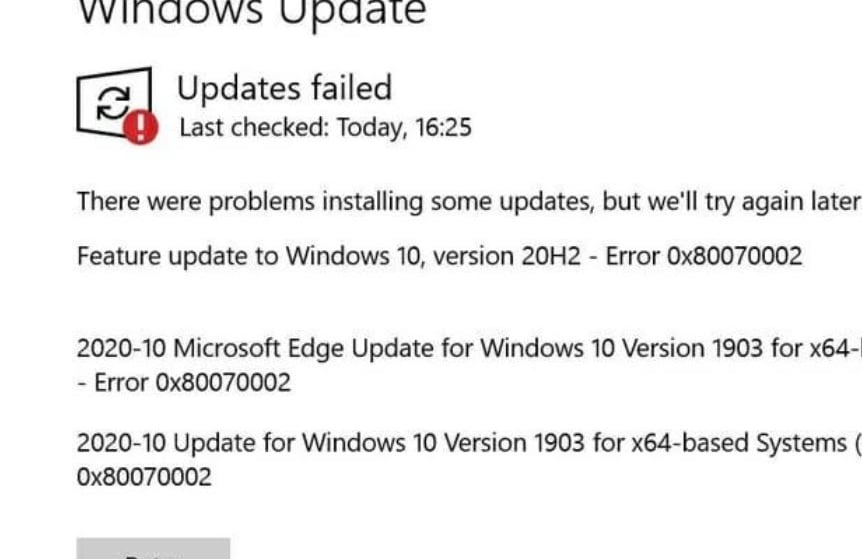
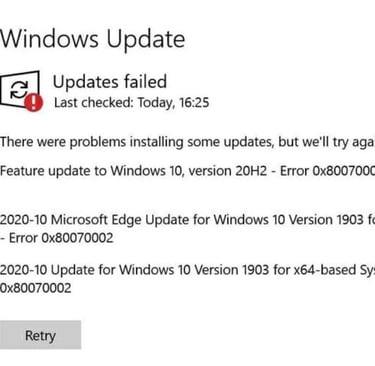
Is your Windows update stuck and showing the dreaded error 0x80070002? Don’t worry — you’re not alone. Millions of users face this issue every day, but the good news is it’s fixable in just a few steps
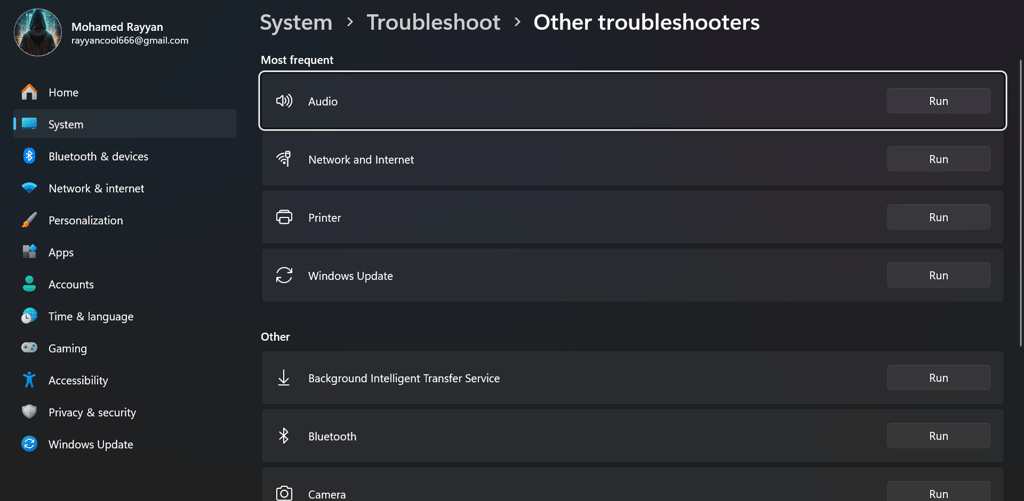
  • Run Windows Update Troubleshooter – Open Settings → Update & Security → Troubleshoot → Windows Update → Run the troubleshooter. It automatically detects common update issues and tries to fix them without user intervention.

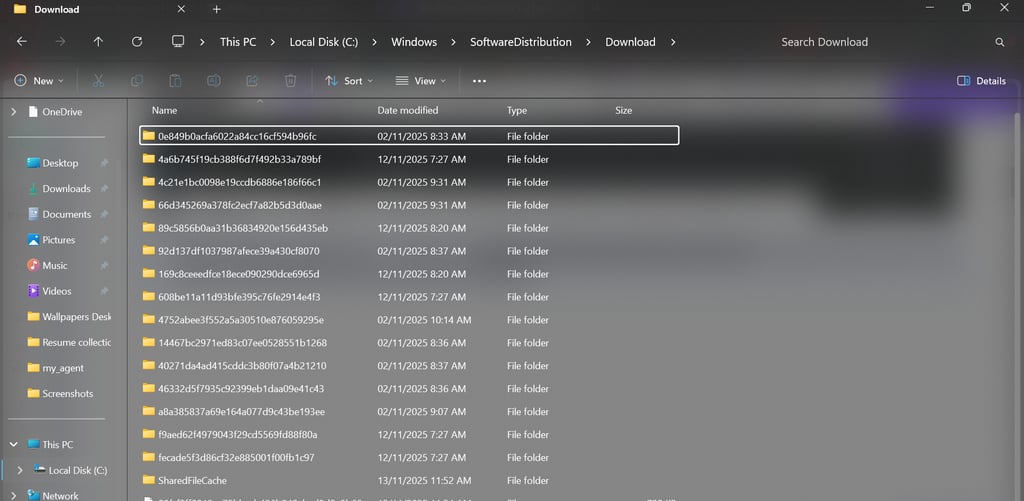
  • Delete Temporary Update Files – Navigate to C:\Windows\SoftwareDistribution\Download and delete all files inside. This clears corrupted update files that may block installation.

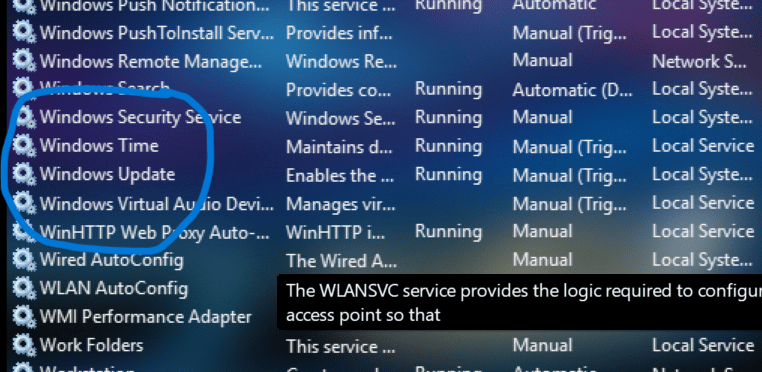
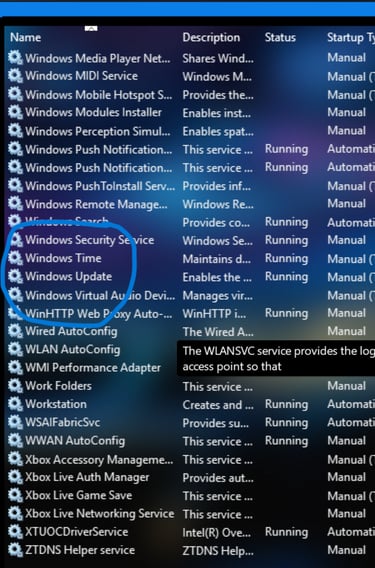
  • Restart Windows Update Service – Press Win + R, type services.msc, find “Windows Update” → right-click → Restart. Ensures the update service is running properly.

  • If these steps worked for you, check out our YouTube channel [Tech With Cyber Ray] for quick tech fixes and tutorials that solve real problems in minutes. Subscribe now and never get stuck again!